Adventurer's library · topic
ForeverBot Setup Guides
Setting up and running ForeverBot: tokens, profiles, loot rules and troubleshooting.
These guides cover the ForeverBot program itself rather than a zone or a farm. The first run guide walks one evening in order: an account with a nickname and a password, a 1 Month, 3 Months or 6 Months plan paid in crypto, Create token and Copy in the Bot token panel, the installer, a first pass through Settings, one section, Save profile and a two-hour test night. It also explains the five sections: Leveling, Farming, Dungeons, Professions and Settings.
The loot and bag settings guide goes through Auto loot, Sell gray items, Go to a vendor when bags are full, Repair at vendors, Buy food and water and the Food/water stock slider, with the bag-space maths and three ready profiles. The troubleshooting guide reads the Current status panel line by line and works through eight checks, from Click-to-Move and key bindings to Arrival radius, deaths and a rejected token.
What works for most players: walk one short loop with Record loop, add mobs with + Current target, press Start and watch the counters for ten minutes before changing anything. Automation breaks the rules of many realms, so read yours first. For a first loop, see the fresh realm hub.
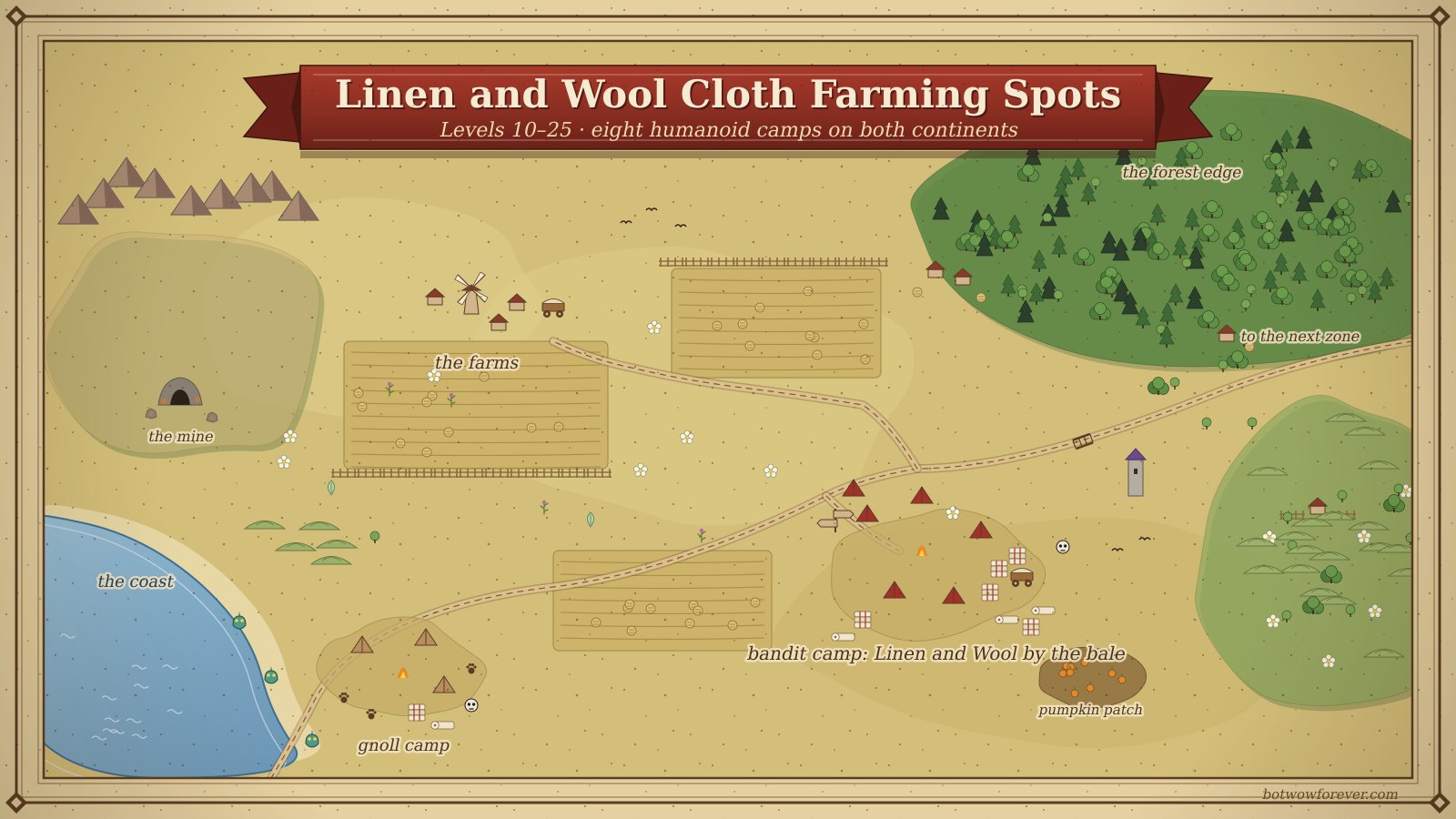 Cloth Farming Spots
Linen and Wool Cloth Farming Spots for Levels 10–25 (Both Factions)
Eight linen cloth farming and wool camps for levels 10–25 on both continents, from Westfall's Defias to Hillsbrad's Syndicate, with honest cloth-per-hour numbers.
 Gold Farming Routes
Fresh Realm Gold Guide: Your First 100 Gold on a New Vanilla Server
A fresh realm gold guide for a new vanilla-era server: what sells in week one, vendor or auction house, the level 10 and 20 skill budgets and a weekly plan to 30
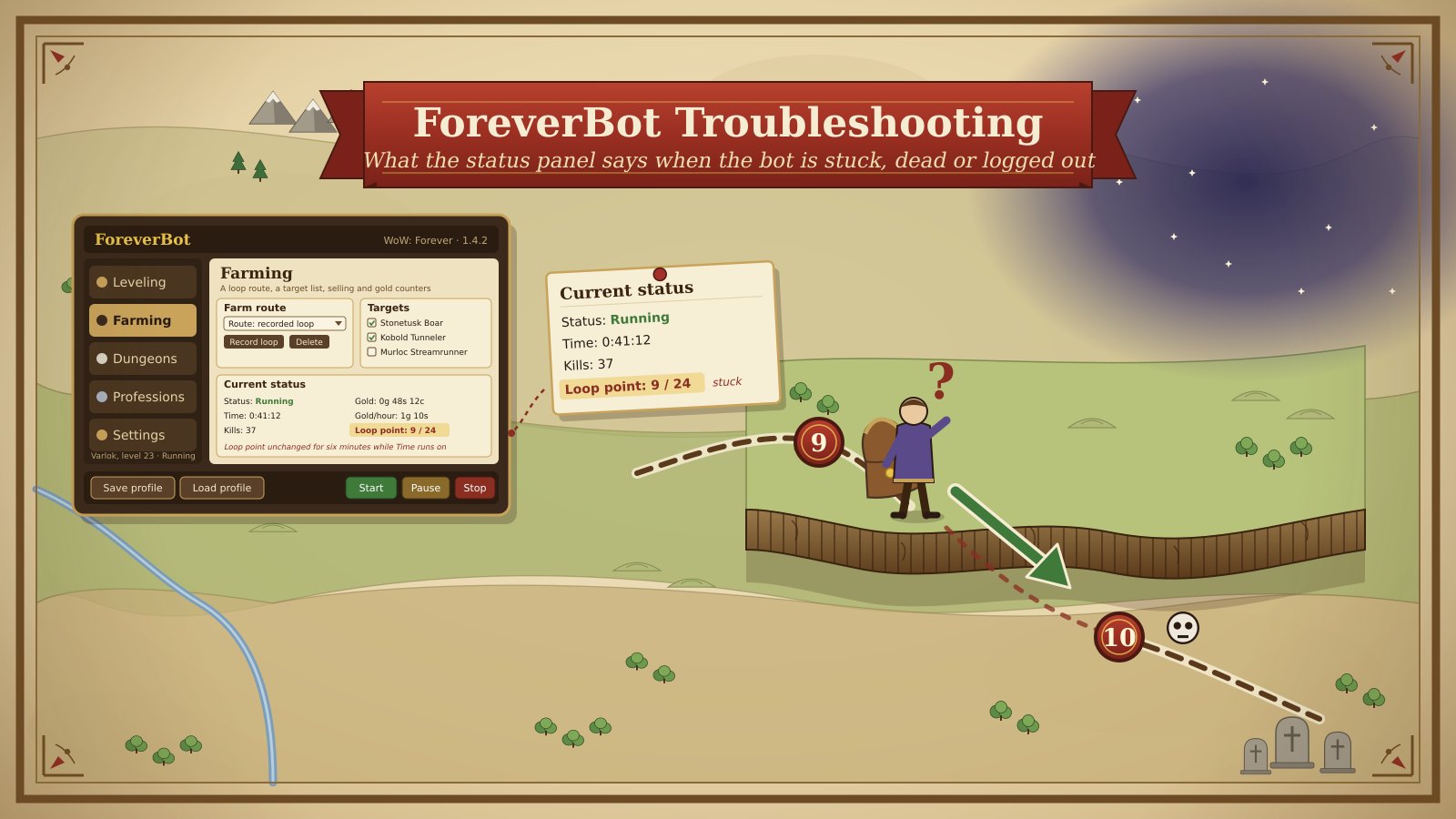 ForeverBot Setup Guides
ForeverBot Troubleshooting: What the Status Panel Says When the Bot Is Stuck, Dead or Logged Out
A wow farming bot stuck at a cliff, dead at a graveyard or logged out: how to read ForeverBot's Current status panel and fix the ten common first-night problems.
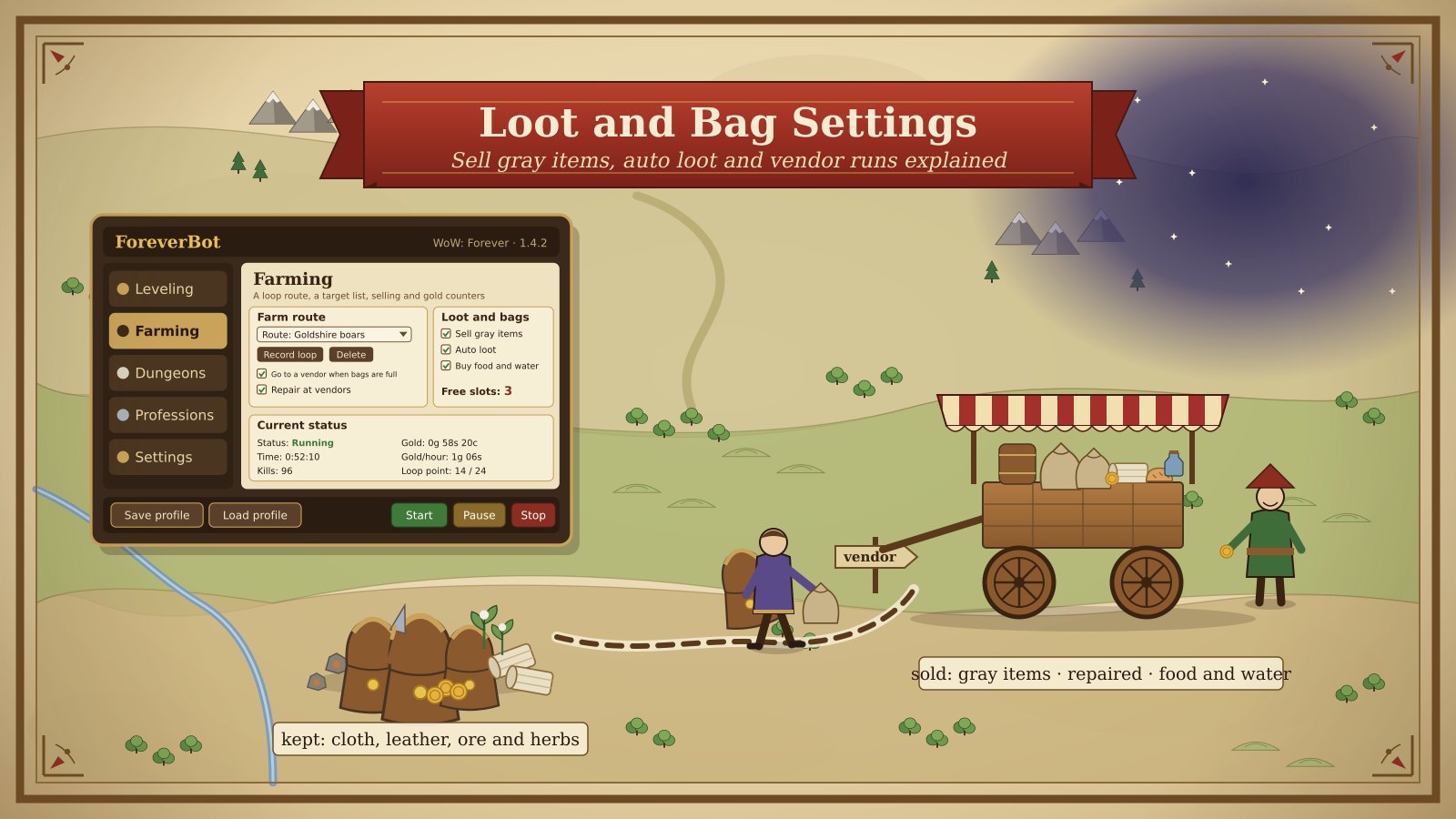 ForeverBot Setup Guides
ForeverBot Loot and Bag Settings: Sell Gray Items, Auto Loot and Vendor Runs Explained
Every wow bot loot settings control in ForeverBot: Sell gray items, Auto loot, vendor runs, repairs, food and water, bag-space maths and three night profiles.
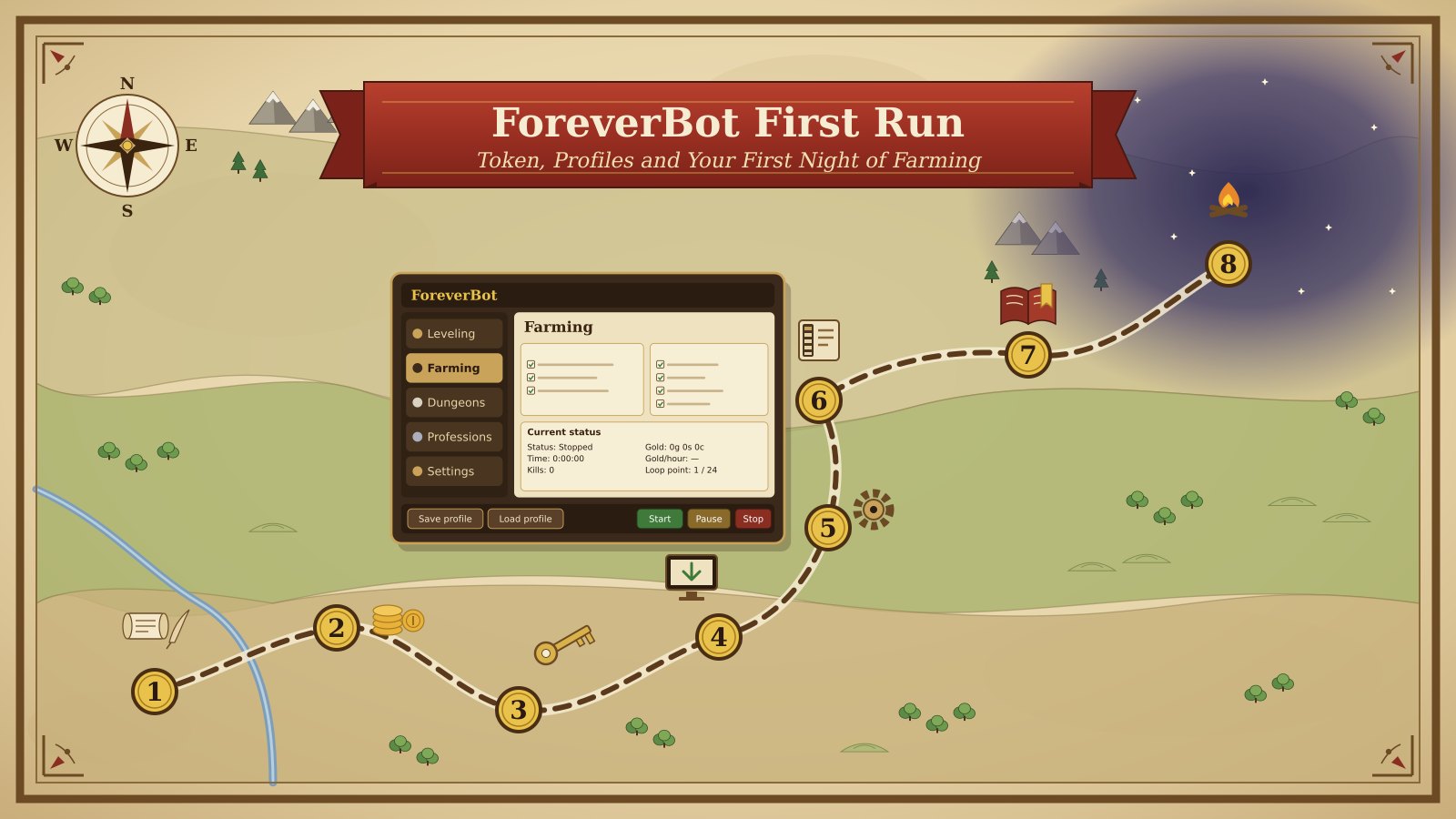 ForeverBot Setup Guides
ForeverBot First Run: Token, Profiles and Your First Night of Farming
A step-by-step wow farming bot setup for ForeverBot: account, plan and token, the five sections of the bot window, a saved profile and a two-hour test night.
Frequently asked questions
What happens if I lose my ForeverBot token?
The full token is shown only once; afterwards the account shows just the last four characters. Press Create token again in the Bot token panel, press Copy straight away and paste the new token into the bot. Keep it out of screenshots, because anyone who has it can use your subscription.
Does ForeverBot play while I am away from the keyboard?
No, it is built around you being at the keyboard. The addon follows the route and shows the way, while the Target, Interact and Combat keys do the work in the game and every dungeon pull is yours. Automation is against the game's terms of service and carries a real risk of a ban, so run two to four hours with breaks and press Stop at a time you decided on beforehand.
Why is my character standing still while the status says Running?
Check Click to Move first: it must be ticked in Settings , Accessibility, and in the game's own interface options. If both are on, press Target, Interact and Combat by hand to see whether each key is bound. A still character with both of those correct is nearly always a point it thinks it has reached, which a different Arrival radius fixes.